Applications
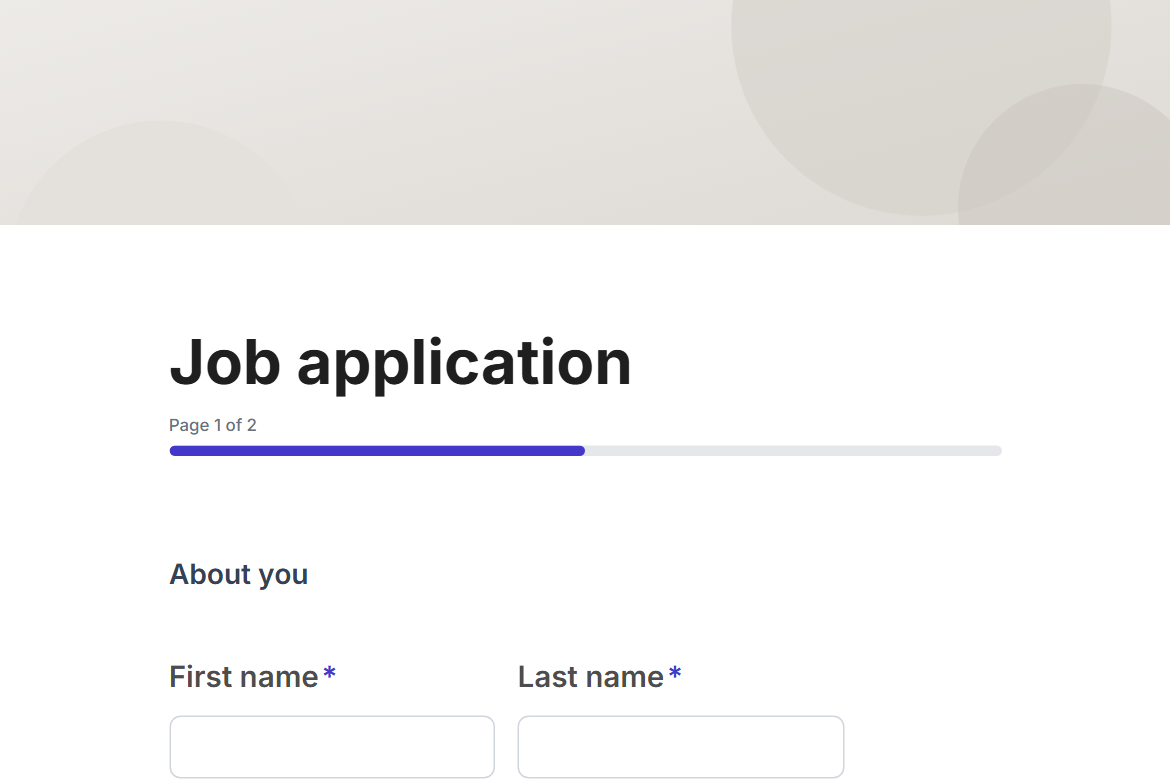
Vendor application
Onboard suppliers and vendors: company details, what they offer, certifications, insurance and references, with procurement's approval before they are set up.
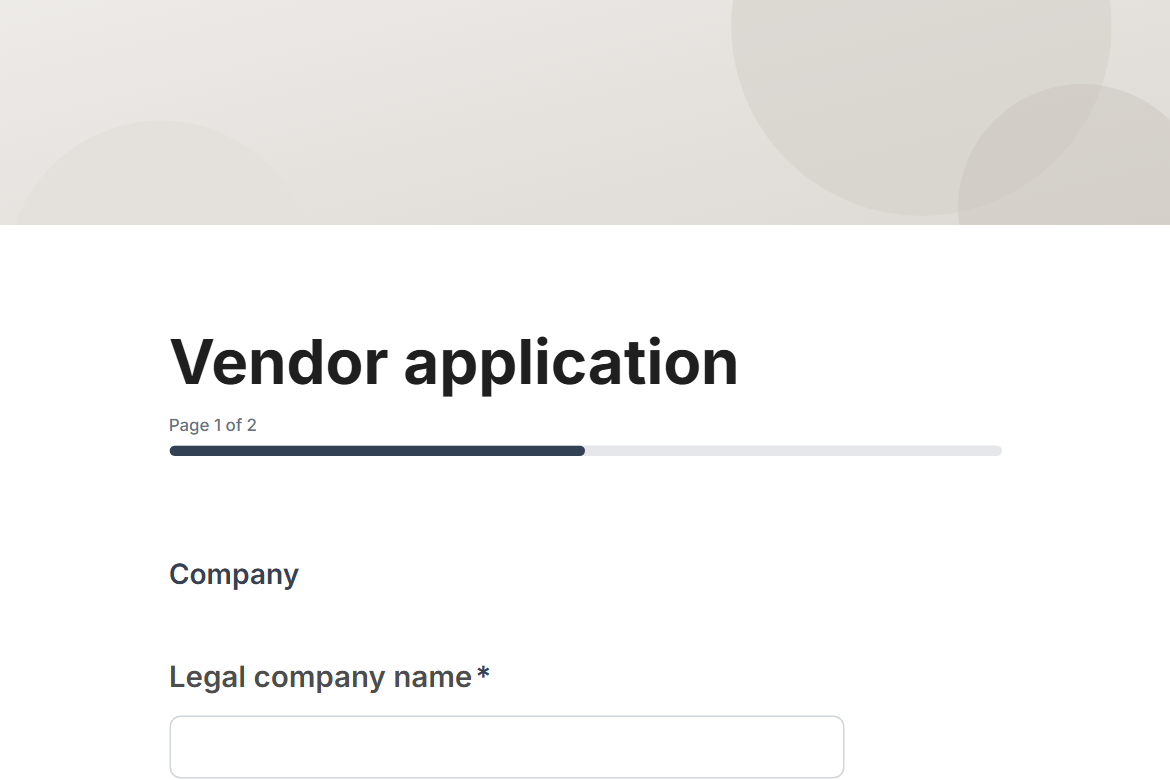
What is in the form
Page 1: Company
- Legal company name
- Website
- Company registration or tax number
- Country of incorporation (country)
- Registered address (address)
- Name
- Role
- Phone
Page 2: What you offer
- What do you supply? (pick any)
- Describe your products or services (long answer)
- Years in business
- Number of employees (dropdown)
- Certifications (pick any)
- Do you hold public and professional liability insurance? (yes or no)
- Customer references (Company, Contact name, Contact email for each reference)
- Supporting documents (file upload)
- Does anyone at your company have a personal or financial relationship with one of our employees? (yes or no)
- Please describe the relationship
“Please describe the relationship” only appears when someone answers “yes” to “Does anyone at your company have a personal or financial relationship with one of our employees?”.
It ends with a thank-you message you can edit.
After someone submits
An approval by email (Pro). Each submission goes to an approver you name, with the answers and two buttons: “Approve” and “Decline”. The rest of the workflow follows their decision.
The workflow comes with the form, switched off until you fill in the blanks: the approval needs Pro.
Make it yours
Change anything in the builder: nothing goes live until you publish.