Requests & internal
Expense reimbursement
Submit an expense with the receipt attached: category, amount and currency, what it was for and which project, and finance approves from their inbox.
What is in the form
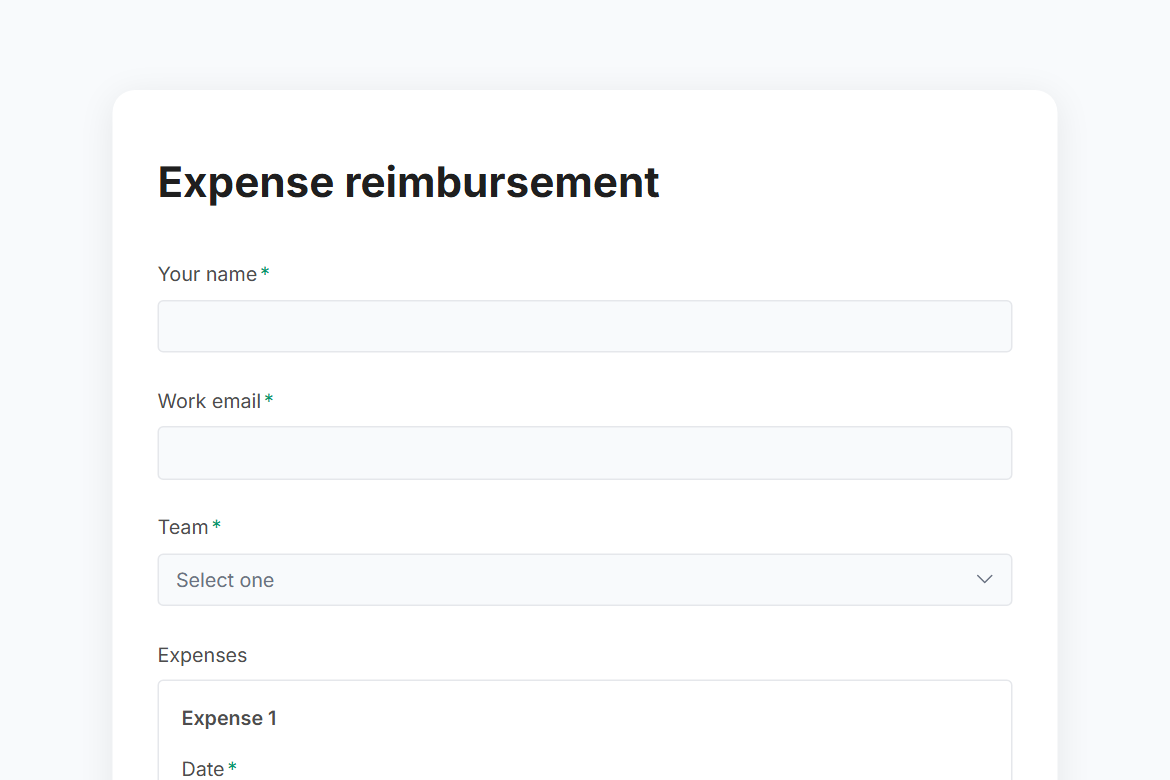
- Your name
- Work email
- Team (dropdown)
- Expenses (Date, Category, What was it for, Amount for each expense)
- Total (calculated)
- Currency (dropdown)
- Paid with (one of 2)
- Project, client or cost centre
- Receipts (file upload)
- These expenses are within the expenses policy and have not been claimed before. (yes or no)
It ends with a thank-you message you can edit.
After someone submits
An approval by email (Pro). Each submission goes to an approver you name, with the answers and two buttons: “Approve” and “Decline”. The rest of the workflow follows their decision.
The workflow comes with the form, switched off until you fill in the blanks: the approval needs Pro.
Make it yours
Change anything in the builder: nothing goes live until you publish.