Orders & bookings
Table booking
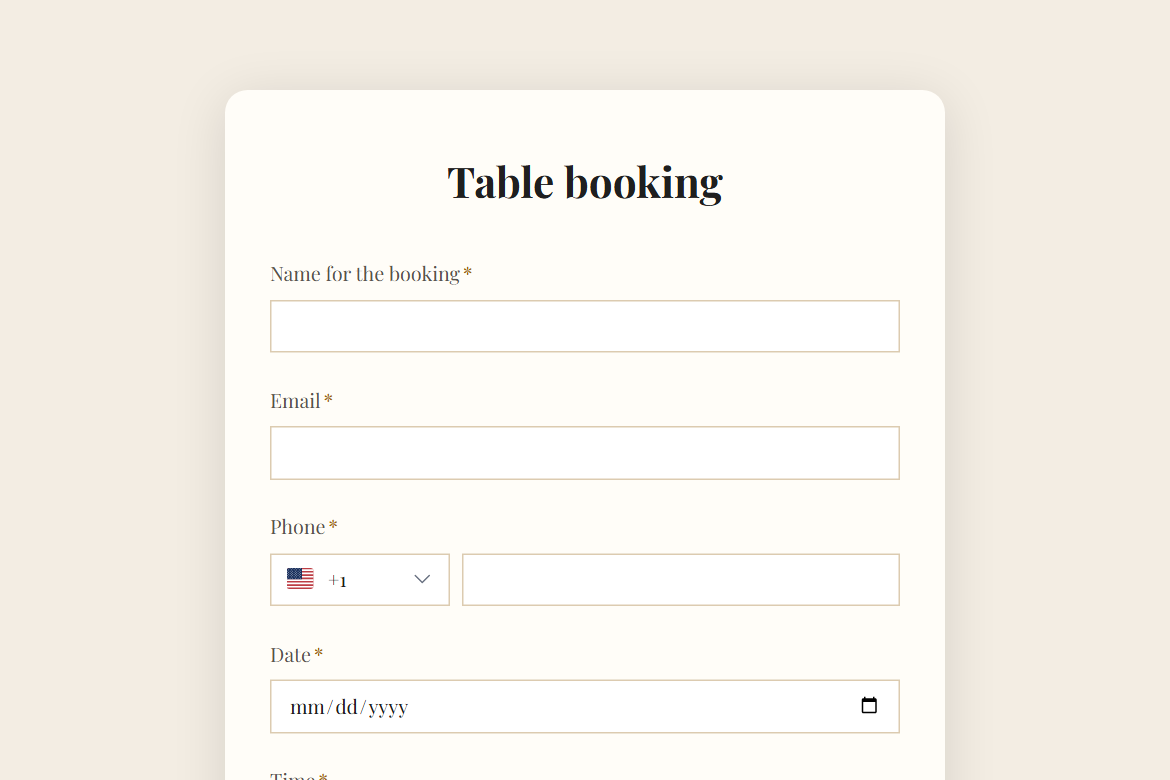
Take table booking requests for a restaurant or café: party size, date and time, occasion, seating preference and access needs, confirmed by the host from their inbox.
What is in the form
- Name for the booking
- Phone
- Date (date)
- Time (dropdown)
- Number of guests
- Occasion (dropdown)
- Seating preference (one of 4)
- High chair, wheelchair access, allergies?
- Anything else? (long answer)
It ends with a thank-you message you can edit.
After someone submits
An approval by email (Pro). Each submission goes to an approver you name, with the answers and two buttons: “Confirm” and “Decline”. The rest of the workflow follows their decision.
The workflow comes with the form, switched off until you fill in the blanks: the approval needs Pro.
Make it yours
Change anything in the builder: nothing goes live until you publish.