Intake & onboarding
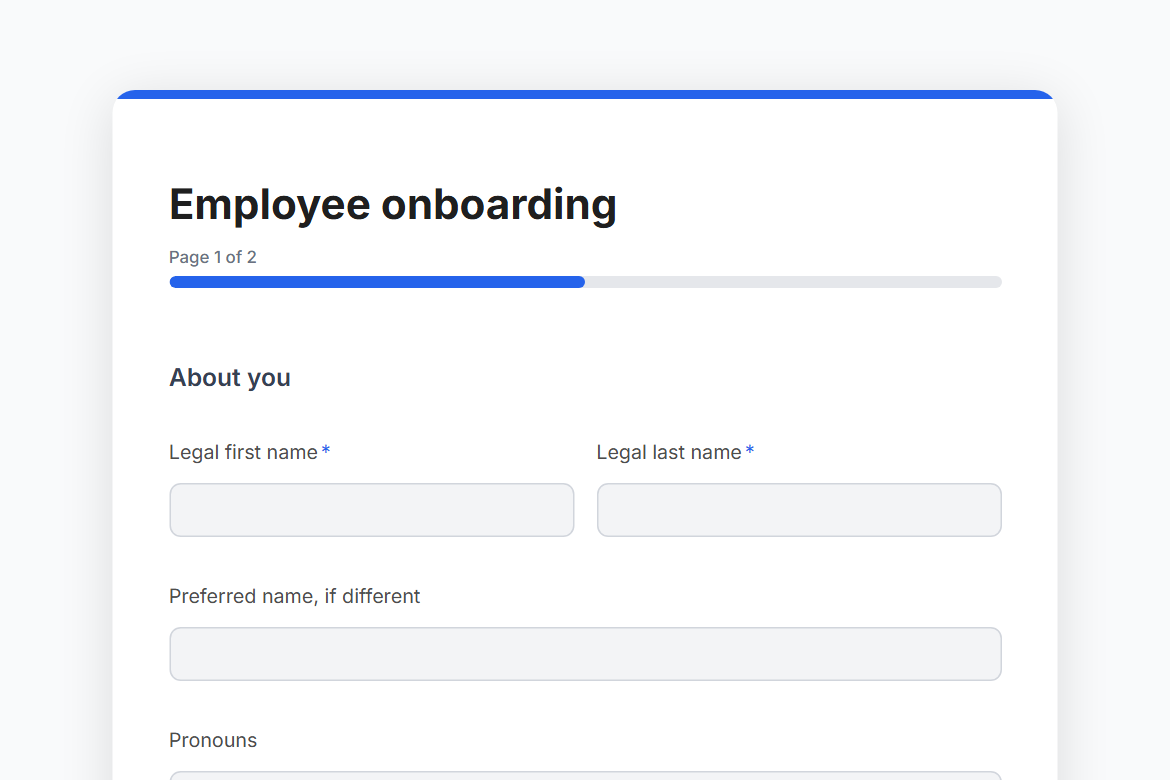
Employee onboarding
Collect what HR and IT need from a new hire before day one: personal details, emergency contact, start date and team, equipment, sizes and a photo ID, posted to the people team's channel.
What is in the form
Page 1: About you
- Legal first name
- Legal last name
- Preferred name, if different
- Pronouns
- Date of birth (date)
- Mobile
- Personal email
- Home address (address)
- Emergency contact
- Their phone
Page 2: Your role and setup
- Start date (date)
- Department (dropdown)
- Job title
- Your manager
- Where will you mostly work? (one of 3)
- Laptop (one of 3)
- What else do you need at your desk or at home? (pick any)
- T-shirt size (dropdown)
- Dietary needs, for the welcome lunch
- Photo ID (file upload)
- Anything else we should know before you start? (long answer)
It opens with a welcome screen (“Welcome aboard”) and ends with a thank-you message you can edit.
After someone submits
A Slack post. Every submission is posted to #people-ops, so the team sees it where they already work.
The workflow comes with the form, switched off until you fill in the blanks: Slack needs your workspace connected once.
Make it yours
Change anything in the builder: nothing goes live until you publish.